Service Logs
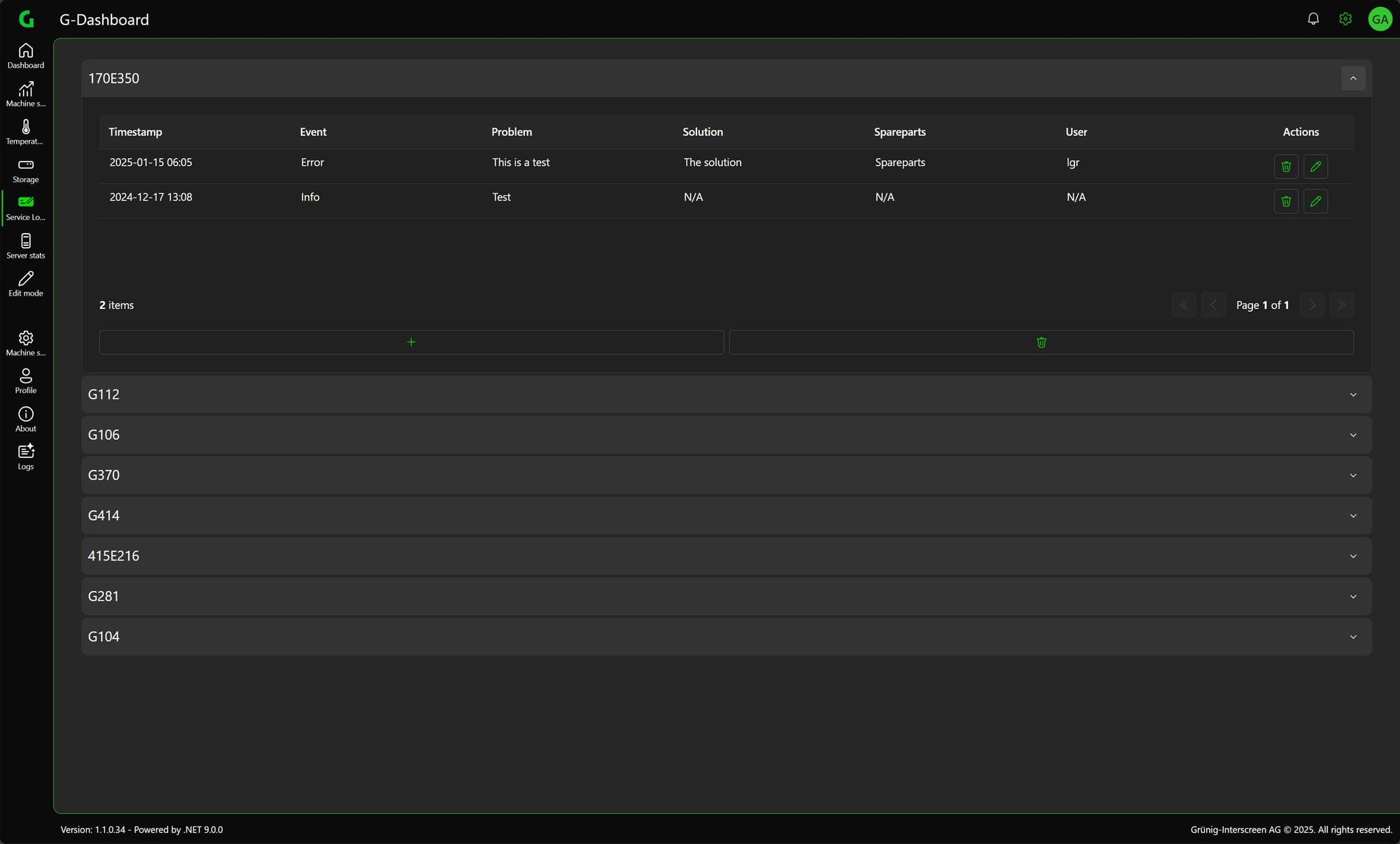
Here you can view and edit all service logs of all machines.
Inspect Entry
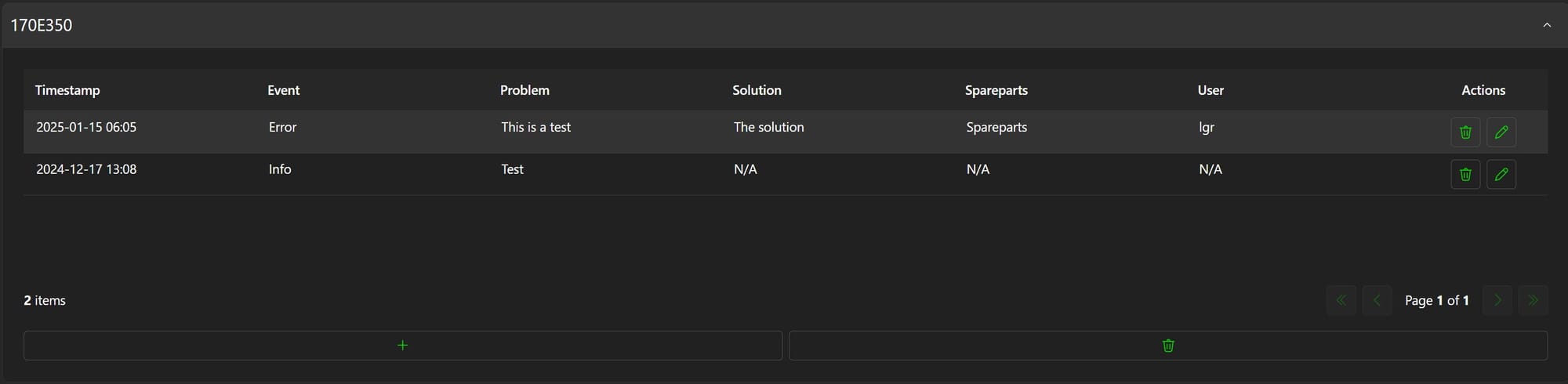
To take a closer look at an entry you can simply click directly on the entry.
A window will then open in which the entry can be viewed more closely.
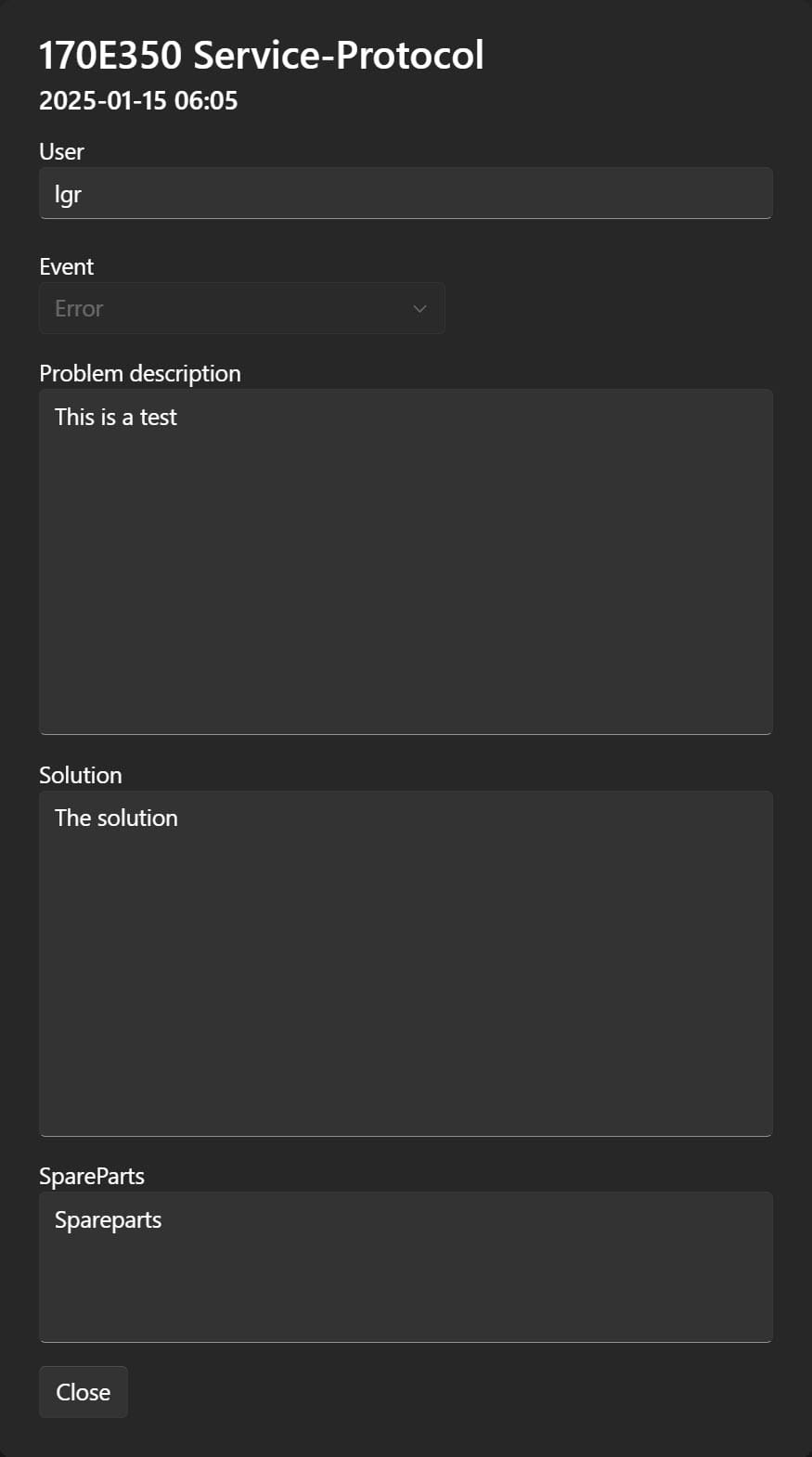
The data can be viewed but not edited.
Edit Entry
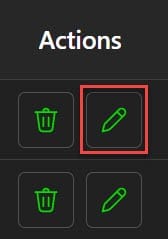
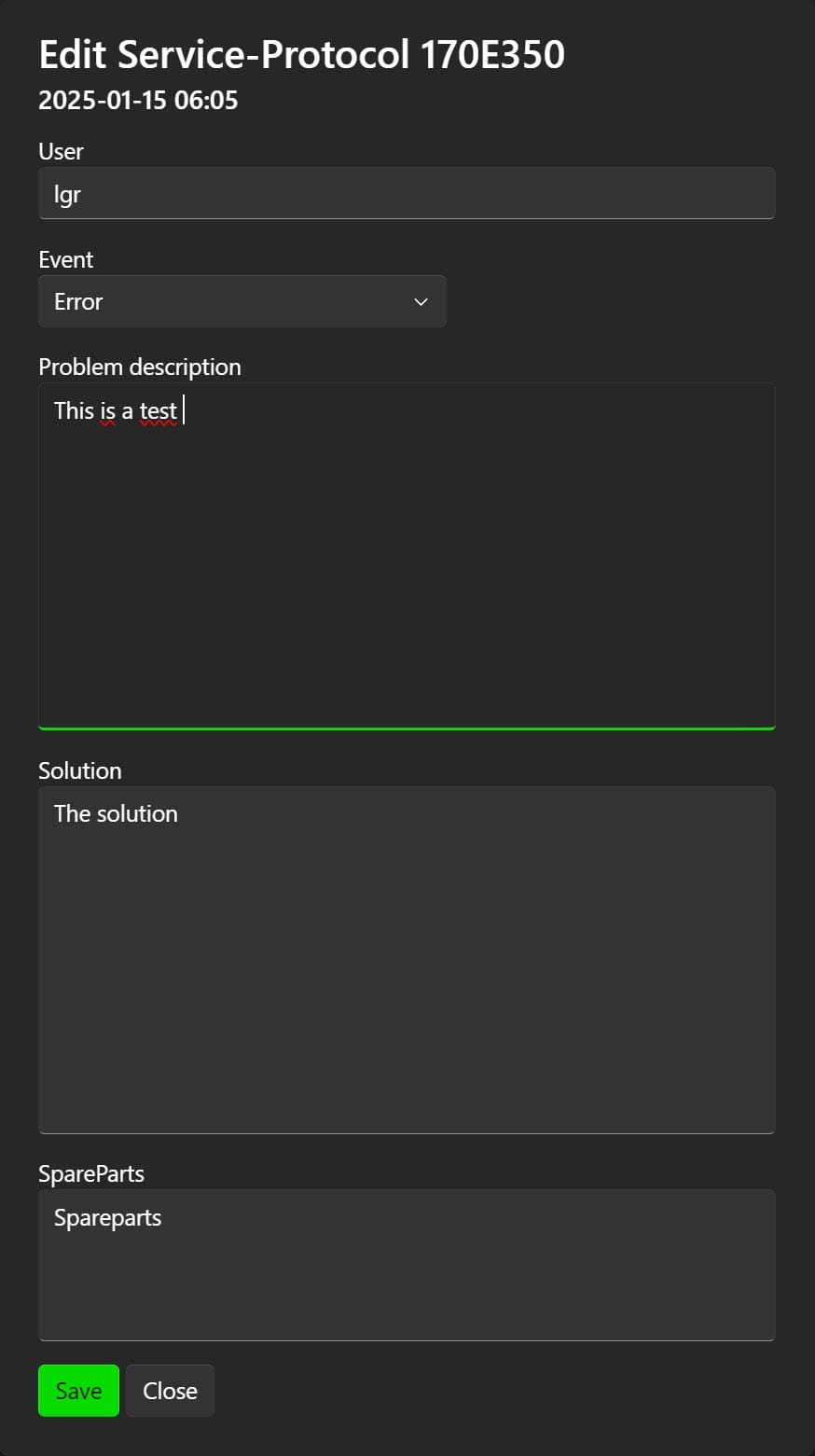
To edit an entry, click on the Edit button next to the corresponding entry.
Now you can adjust the entry and save it again.
Delete Entry
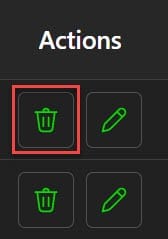
To delete an entry, simply click on the delete button next to the edit button.
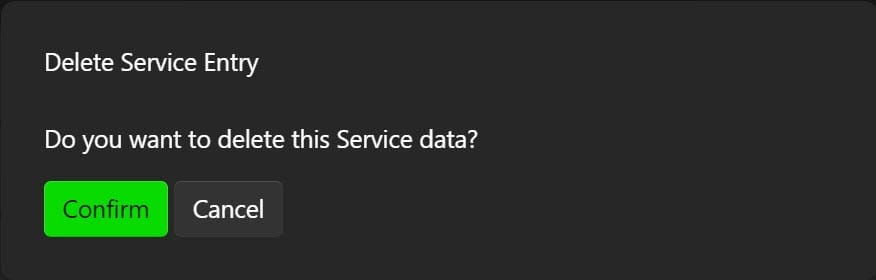
Then you have to confirm the deletion and the entry will be deleted.
Delete Machine Data
To delete all entries for a machine, simply click on the delete button at the bottom of the corresponding machine.
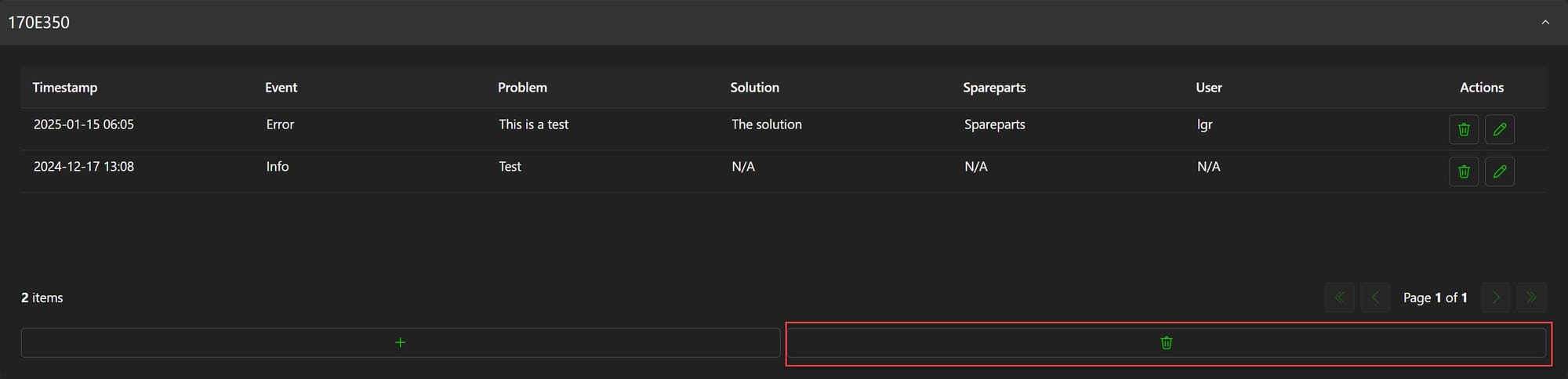
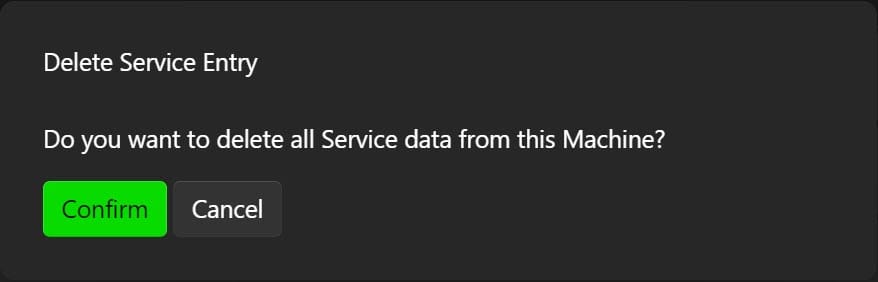
You must then confirm the deletion and all entries for the machine will be deleted.
Create new entry
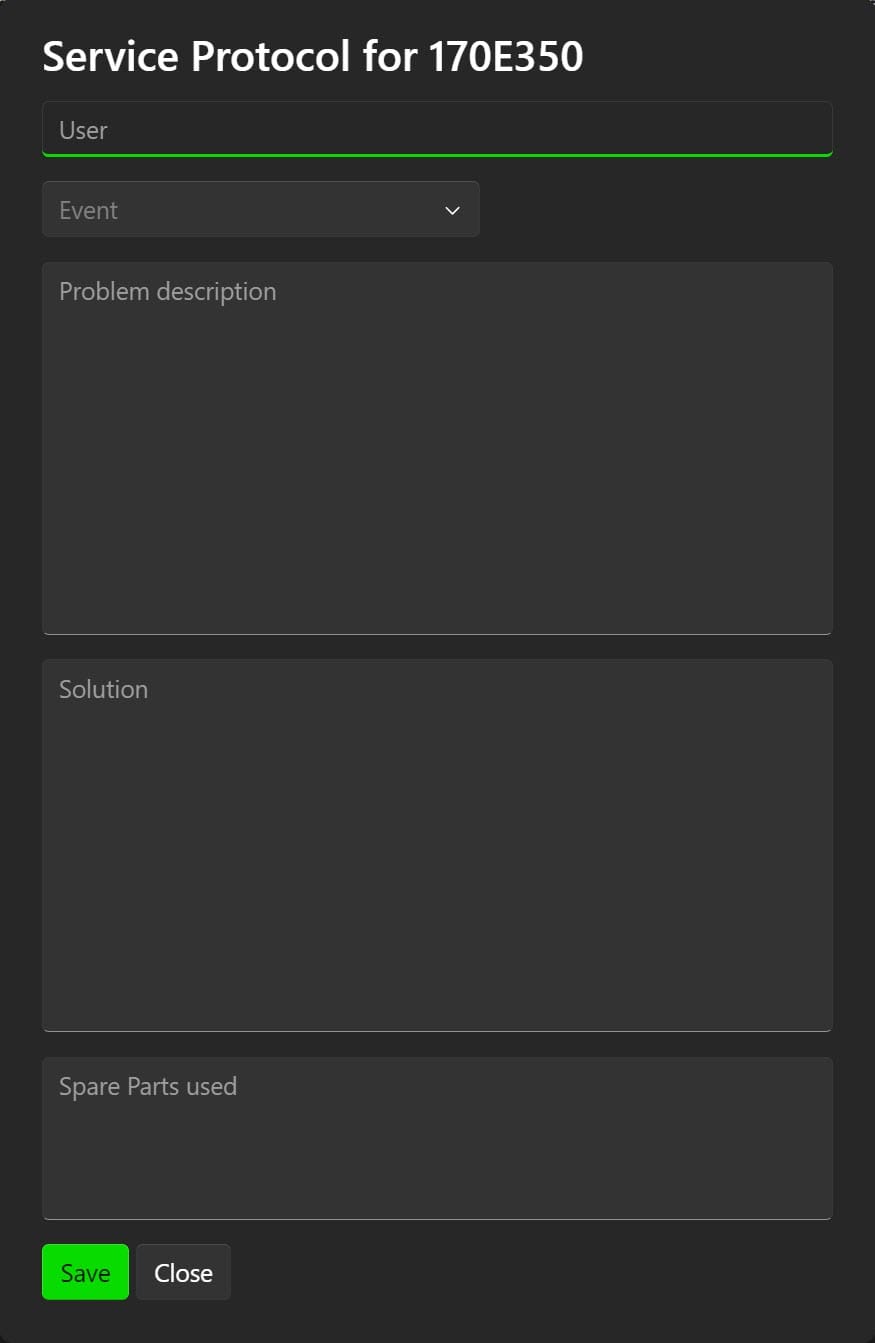
To create a new entry for a machine, simply click on the plus button next to the corresponding machine.
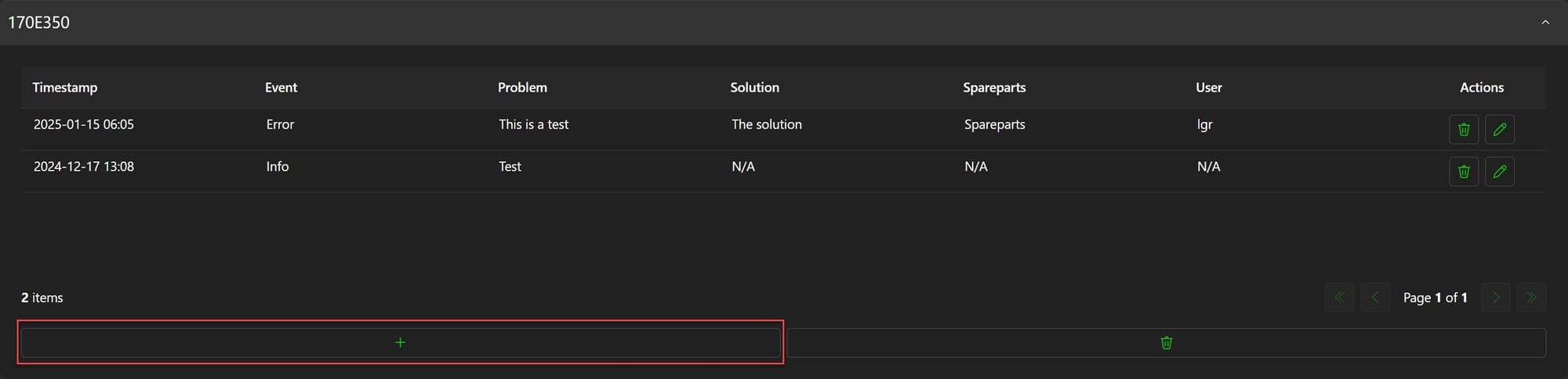
The window for creating an entry then opens.