Machine States
The machine states are described in more detail here.
Machine State
Initialization
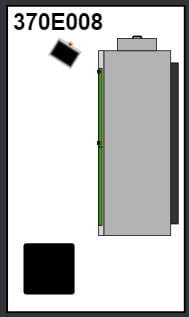
The machine is initialized. The machine is initialized when it is started.
Automatic
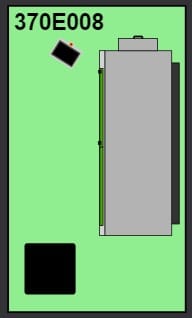
The machine is in automatic mode. This is the standard mode in which a selected program is processed.
Manual
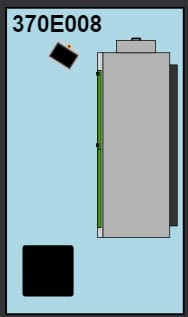
The machine is controlled in manual mode.
Stopped
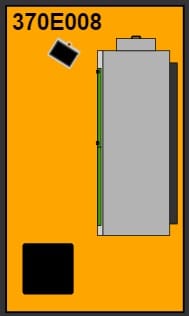
The machine has been stopped. This can occur after the completion of a program, after a manual stop or when an alarm occurs.
Operation State
Running

The program is running.
Stopped

The program is paused.
Paused

The program is paused.
Referencing

The machine is referenced.
Alarm State
Warning
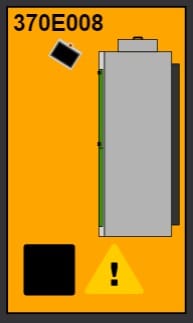
A warning is active.
Alarm
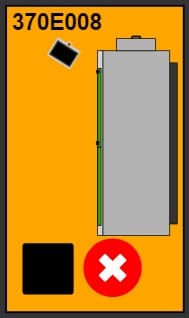
An alarm is active.
Other states and displays
Depending on the machine, there may be other statuses or displays.
Door open

This symbol indicates that the door of the machine or of a module is open.
Module running
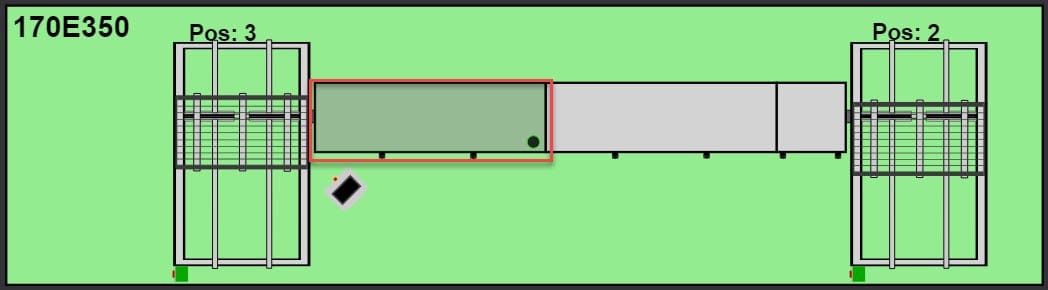
This indicates that the corresponding module is running.
Magazine position
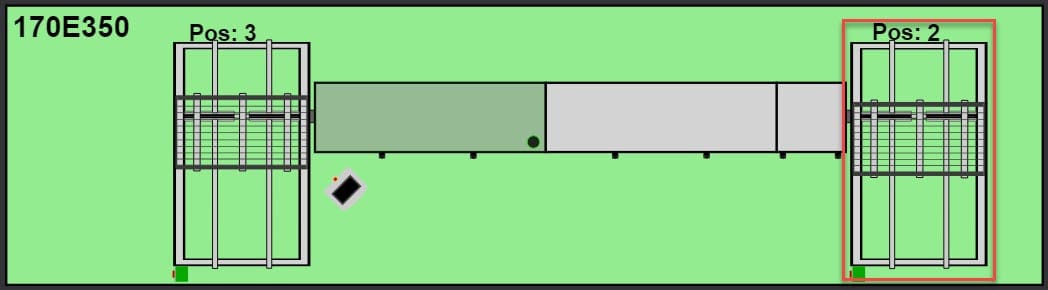
The current position of the magazines is indicated by the number and by the position in the dashboard.
Magazine loading
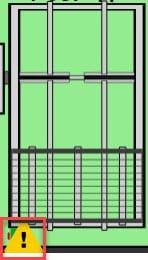
This indicates that the magazine is being loaded.