User Interface
The user interface is described here.
Login
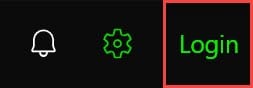
If you click on Login you will be redirected to the login page.
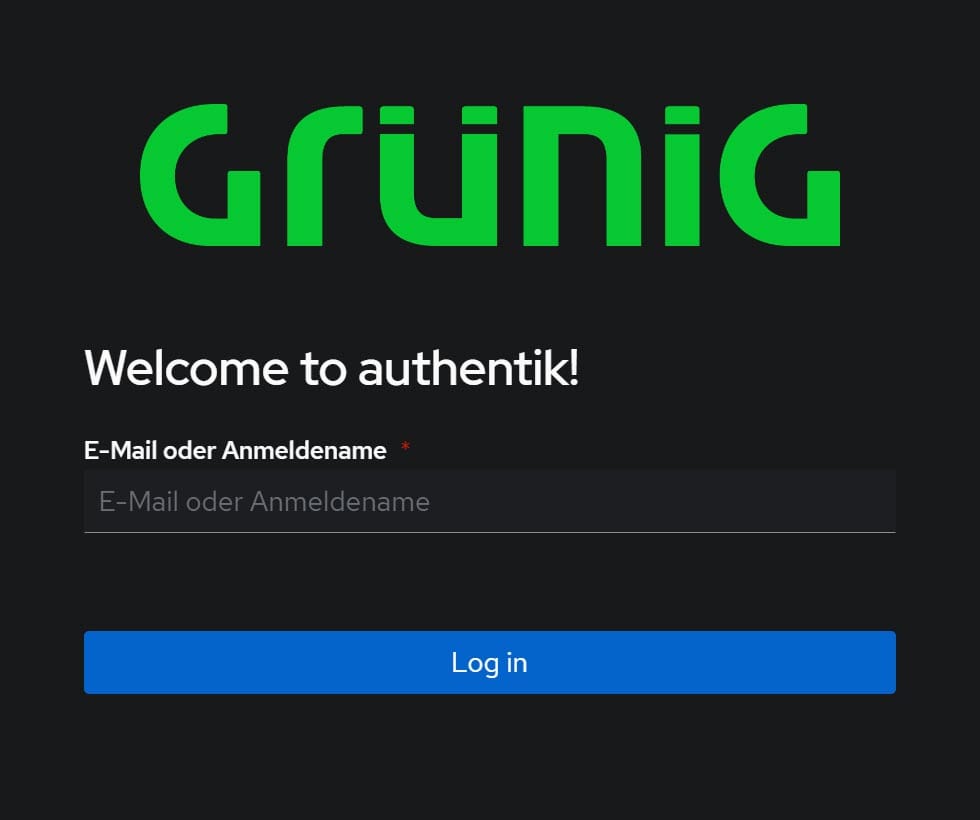
Here you have to log in with your login to access all functions.
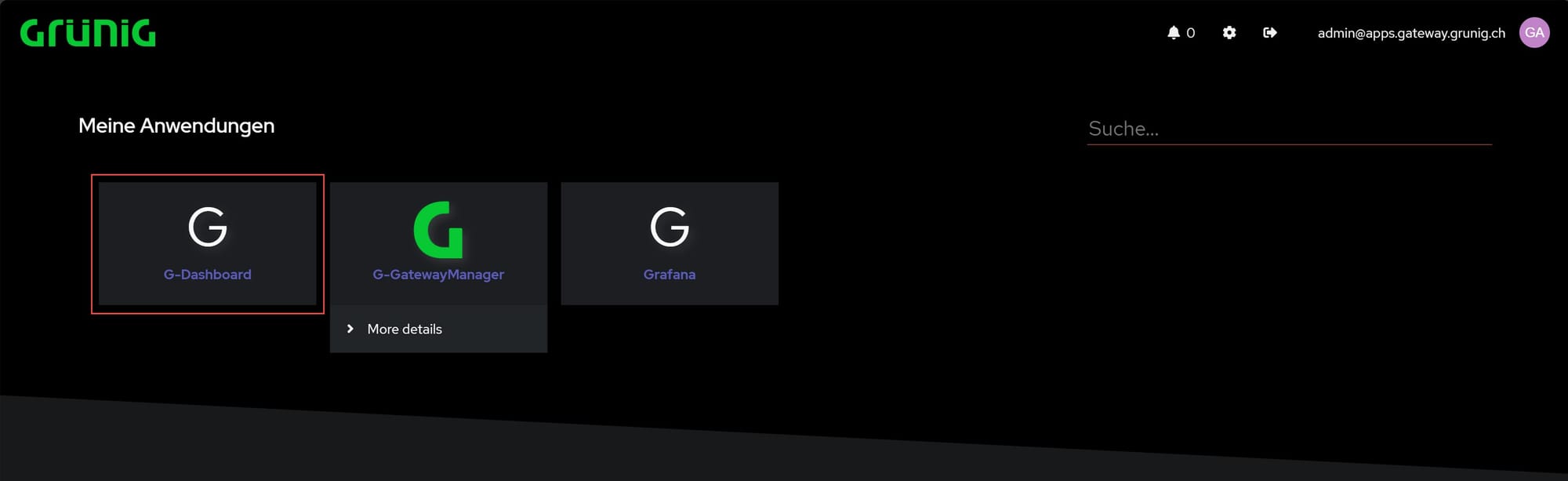
When this screen appears, you can then select the application. From here you can also access the Grafana on which visualizations are also running. These can also be seen from the dashboard. To return to the dashboard, click on G-Dashboard.
Logout
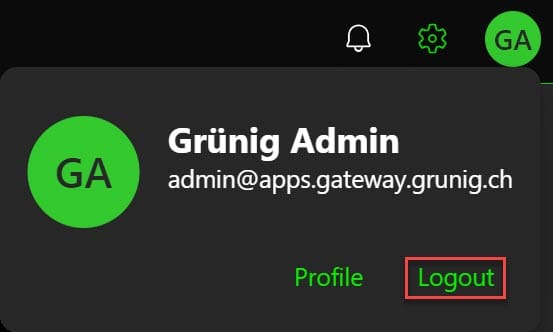
To log out, you can click on your profile at the top right and then log out.
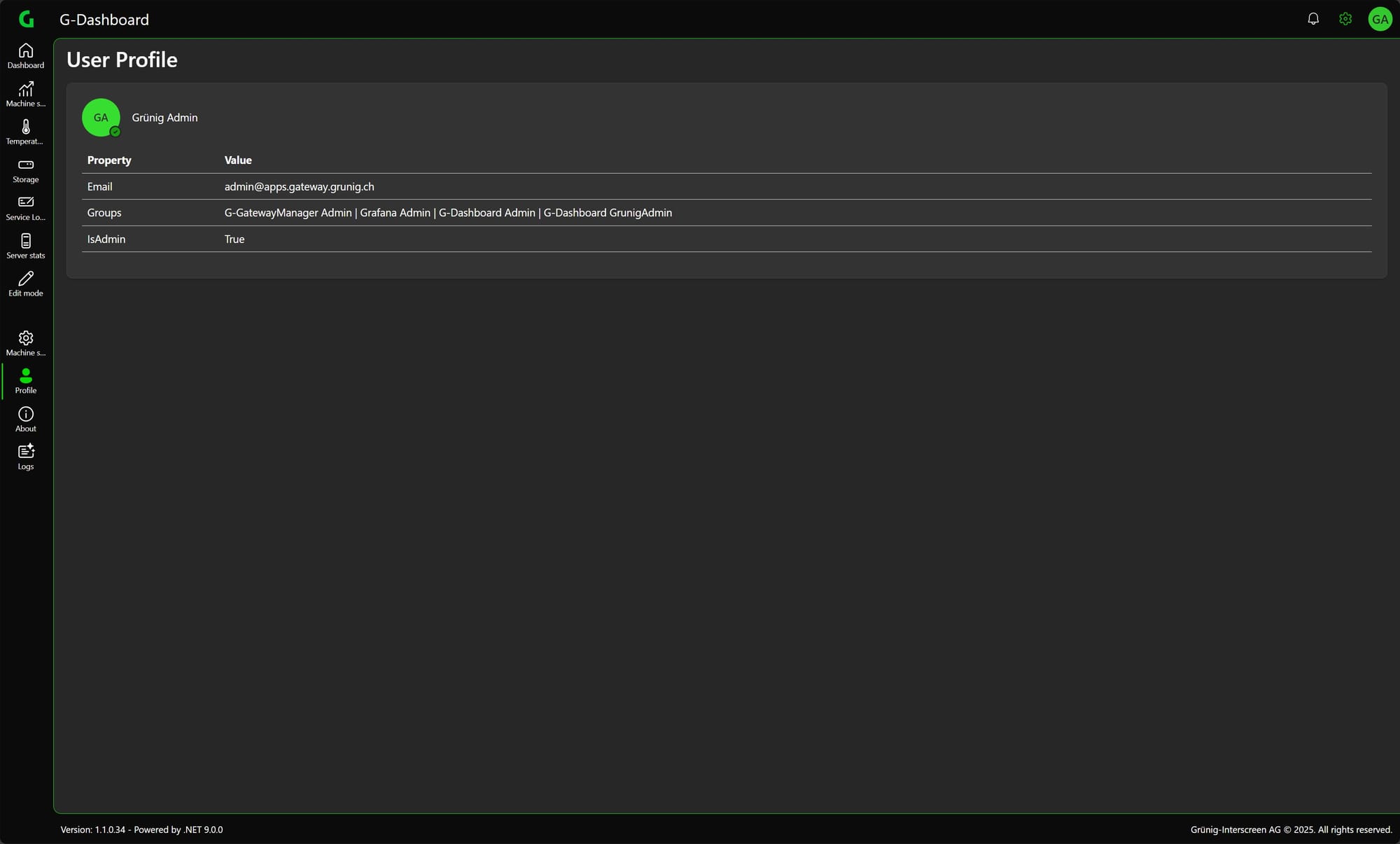
Design
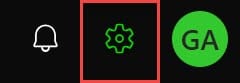
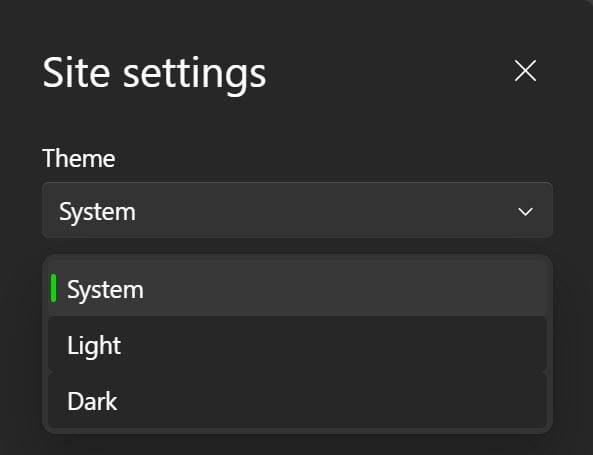
You can switch between system, dark and light mode in the settings (system by default).
Dark Mode
Light Mode
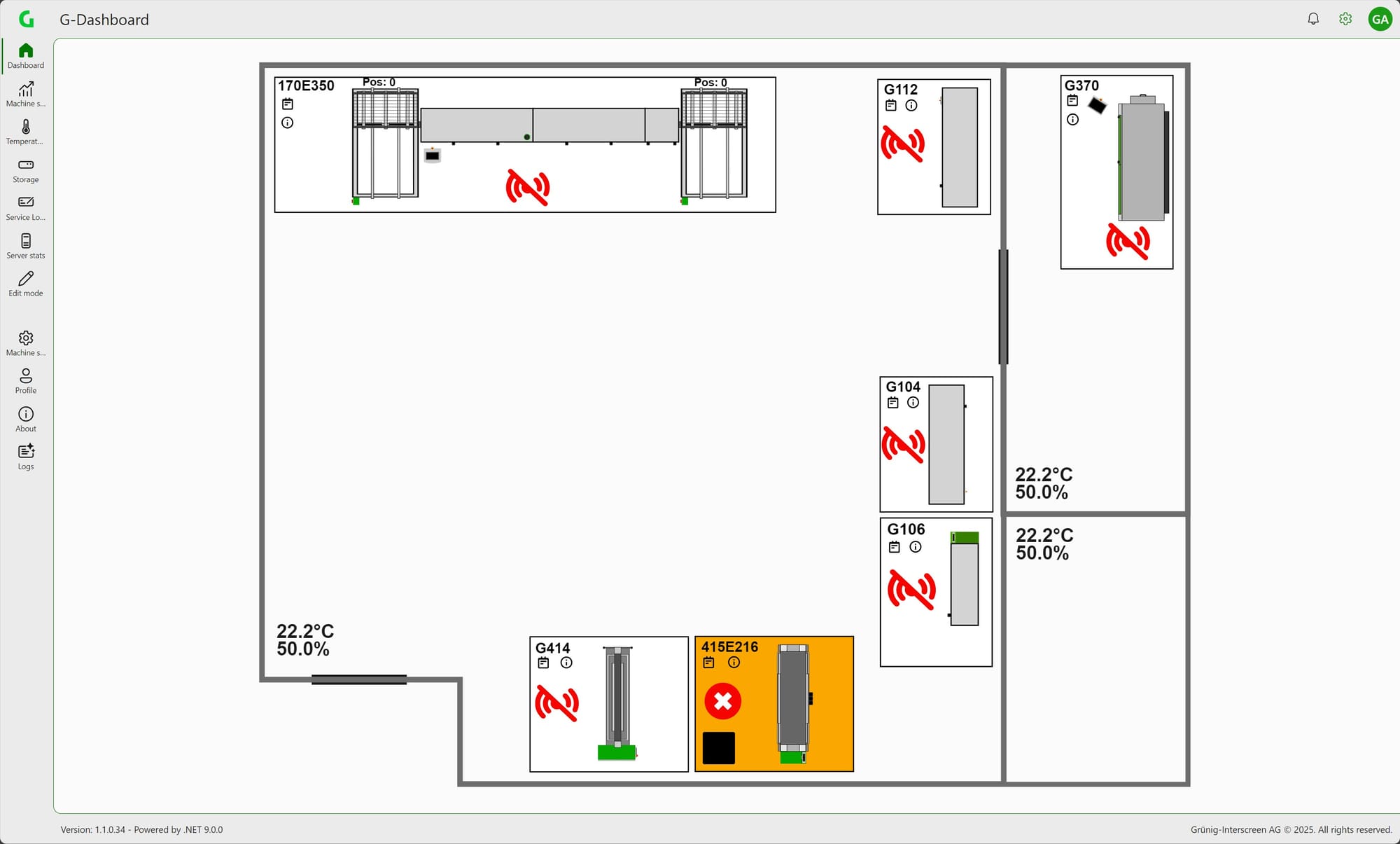
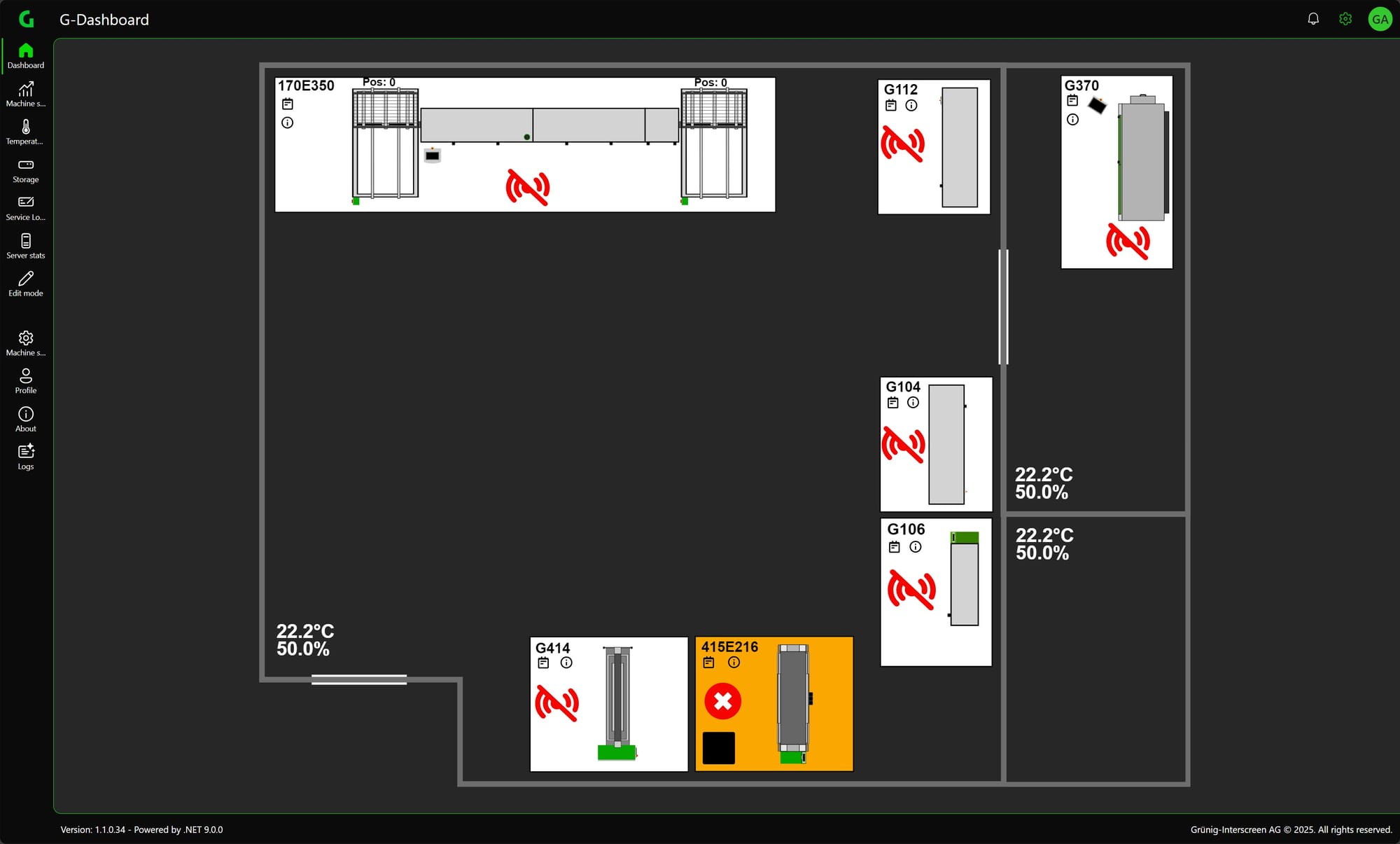
Side menu
You can switch between the individual pages in the side menu
